We're thrilled to begin this journey with you!
The first step is to register to access the platform. If you’ve already done so – great! If not, registering is simple and will only take a few minutes. First register as a new user then a create an organisation account.
If you have never used the Atom before, you first need to register as a new user.
How do I register for Atom?
Registering for Atom is simple.
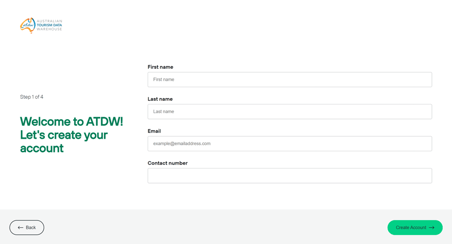
You just need to create yourself a user account by providing your name, email, phone number and strong password. We will then send an email to this address to verify it is an active email. Once verified, you can log in to create an organisation, create a profile or subscribe to Atom's distribution services.
In order to use any Atom services in the Atom platform, you must have a user account and linked organisation. Users can be members of multiple organisations if required.
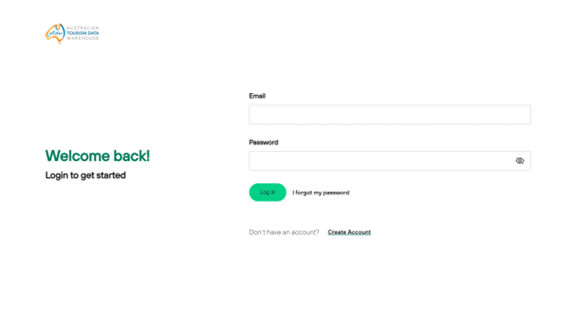
Step 1 Click on the “Create Account” link
Step 2 Enter your name, email and contact phone number.
Step 3 Create a password.
Step 4 Verify your email address.